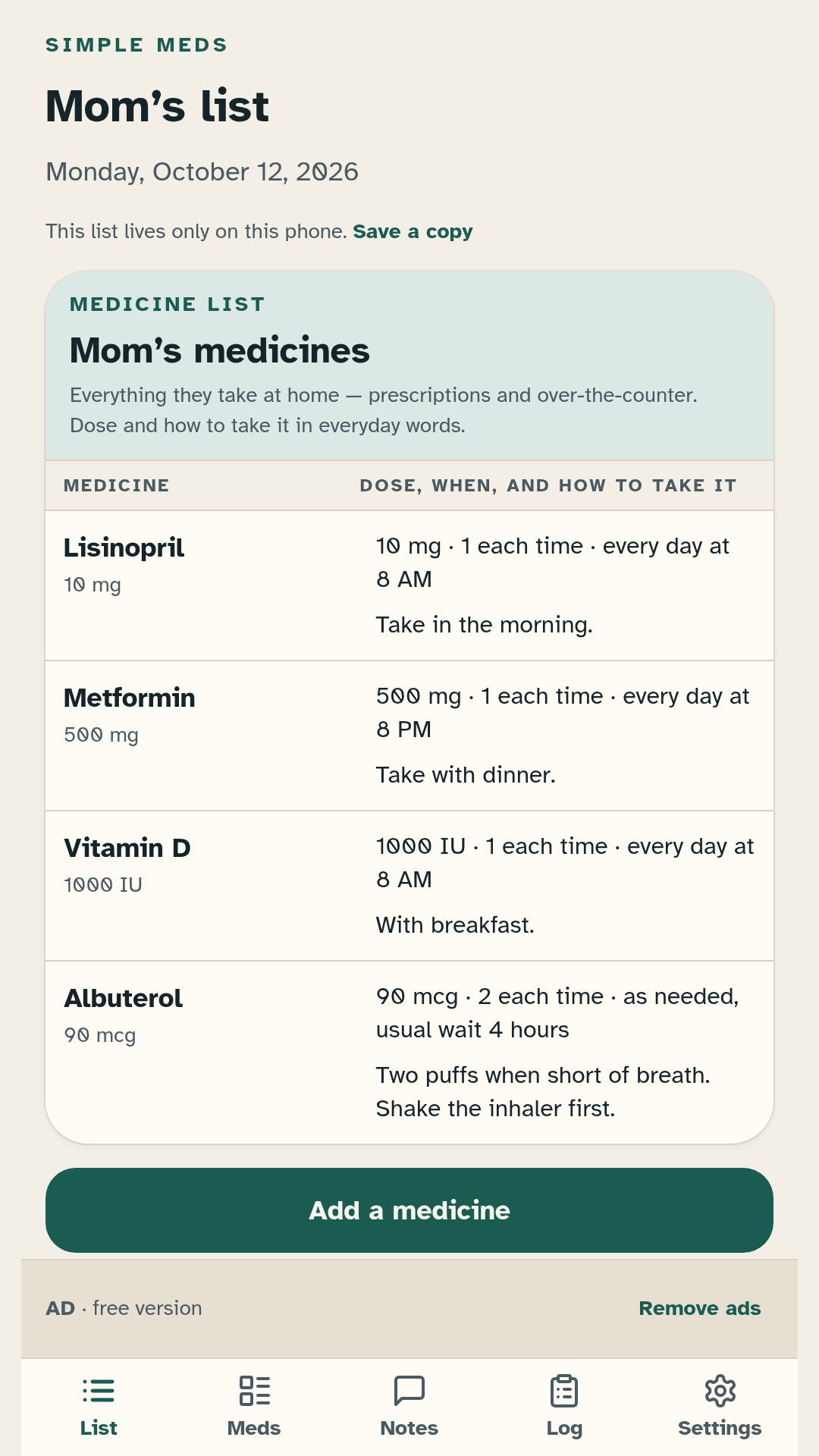
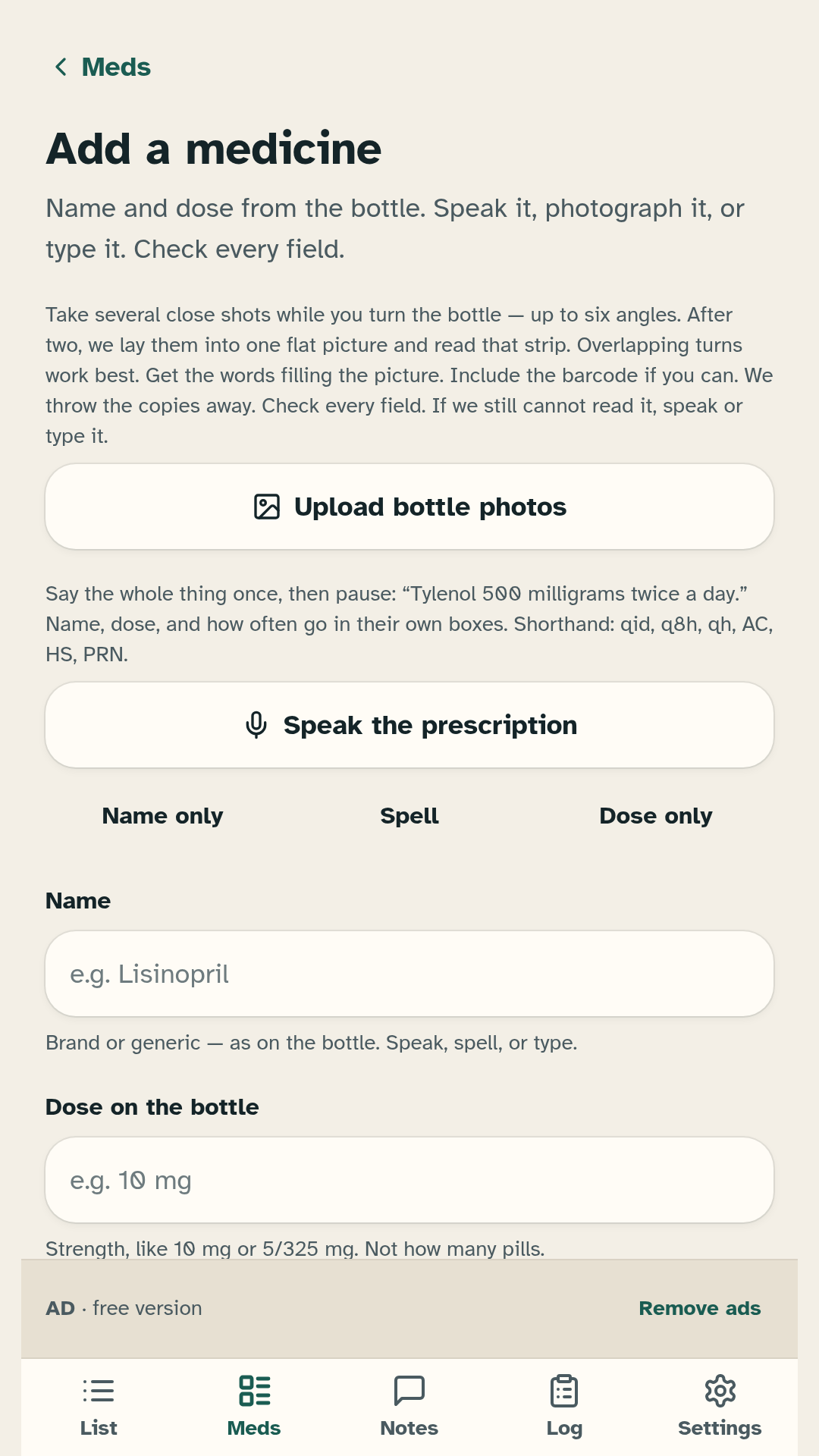
Screenshots
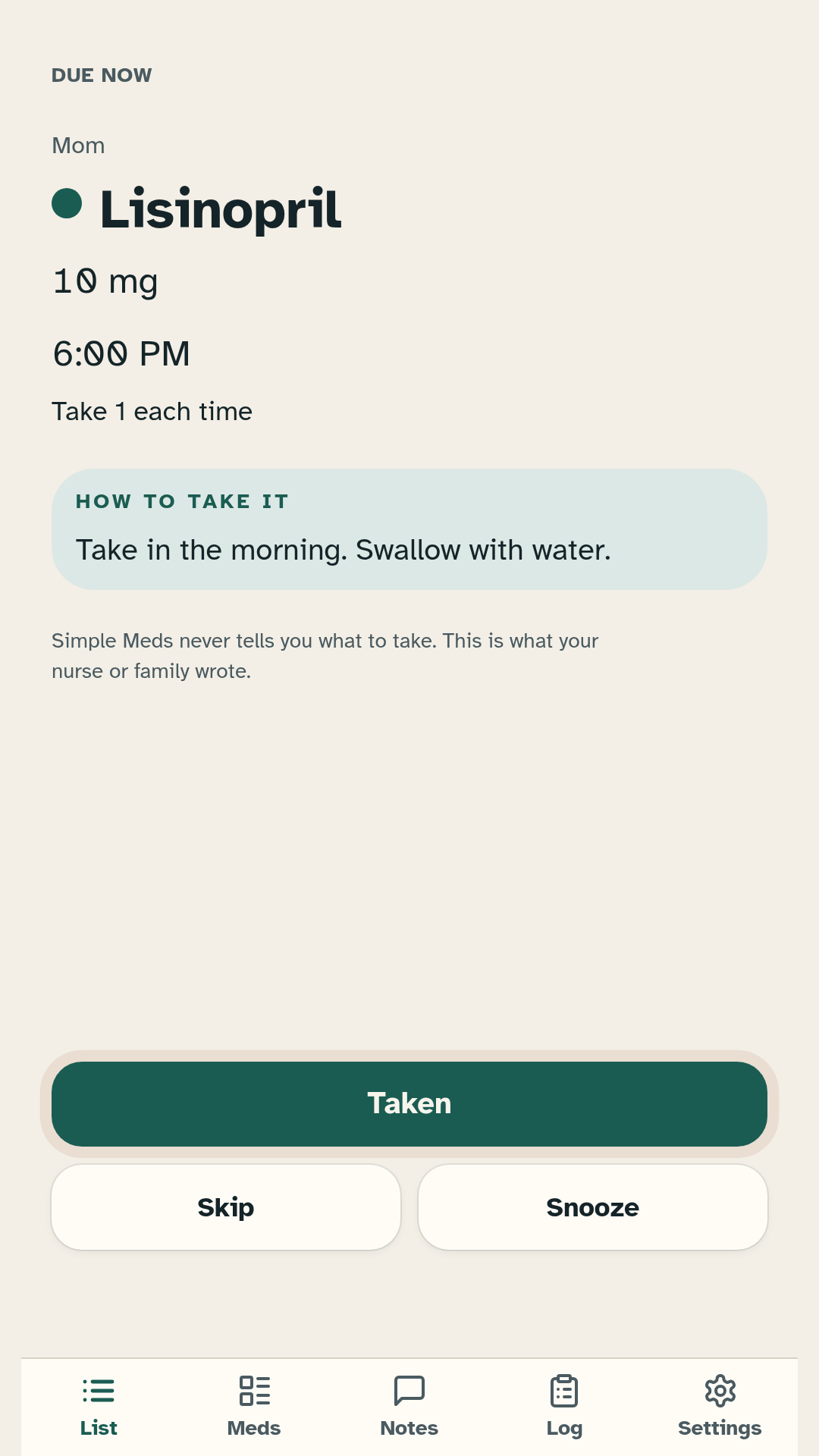
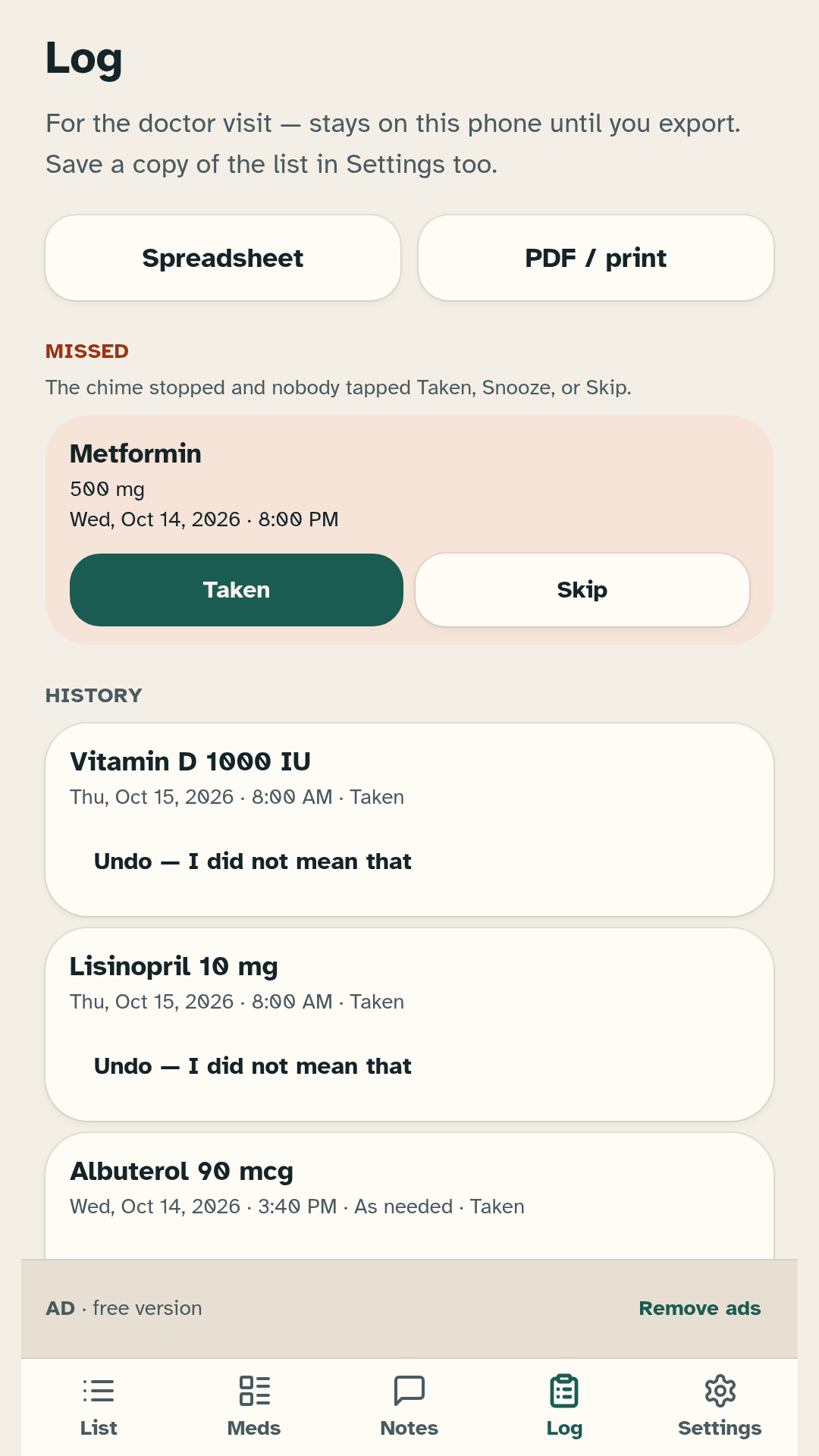
Download the APK
Free Android app from JS Legends. Install from this page if you are not using the Samsung Galaxy Store build.
Download APKInstall on Android
- Tap Download APK and wait for the file to finish.
- Open the downloaded file. If Android blocks it, allow installs from this browser or Files app under Install unknown apps.
- Confirm the install. You may see an unknown-source warning; that is normal for a direct APK.
- Open Simple Meds and allow notifications (and Alarms & reminders if prompted) so dose times can ring.
Always download from this site or a link you trust. Prefer HTTPS. Updates are not automatic from this page.
Remove ads — $4.99 once
The free app may show ads away from Taken, Skip, Snooze, and the due card. A one-time purchase removes ads. Buying does not add medical features.
On this website build, payment uses a Stripe Payment Link. After you pay, you receive a license key. Enter that key in the app (Settings). The app checks the key once and stores the unlock on your phone. Keep a copy of the key; it is how you restore remove-ads if you reinstall.
Remove ads, $4.99About five bucks to stop the ads and help me keep building.
Not a medical device; does not diagnose, treat, cure, or prevent any condition.
It is a reminder list for one household. It never tells you what to take or how much. That comes from your prescriber and the bottle.
Privacy
Your medicine list stays on your device. Read the privacy policy:
Contact
Questions about Simple Meds: joshuaatchison.atchison@gmail.com